This was my the invitation to my 25th birthday some time ago…In form of a datasheet 🙂

Full PDF here: KU25CHEN technical datasheet
or view PDF after the break….


This was my the invitation to my 25th birthday some time ago…In form of a datasheet 🙂
Full PDF here: KU25CHEN technical datasheet
or view PDF after the break….
I got myself one of these cheap USB logic analyses for about 10€. You can order these directly from china, free shipping, for example at dealextreme or aliexpress.
Unfortunately the hardware only supports digital input but not digital output even though the software does. But as it turns out you can add output capability with a nice small hack. This way you get a logic analyzer, a frequency generator, frequency counter, PWM generator, arbitrary digital signal generator,….! All in one.
The hardware of the LA basically consists of a CY7C6813A which handles the USB communication and a HC245 bidirectional bus driver. Yes bidirectional! A little debugging showed that the CY7C6813A as a matter of fact does output digital signals, when requested by software.
The only problem is, that the direction pin of the HC245 is hardwired to input mode.
You need:

Take a knife or a scalpel and cut the trace marked in red. Solder the resistor to the contact marked as GND and use the enamelled copper wire to connect it to the pin which was connected to the trace you cut.
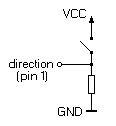
Take a small switch – I just took what I had lying around – and connect it to VCC and to the direction pin.
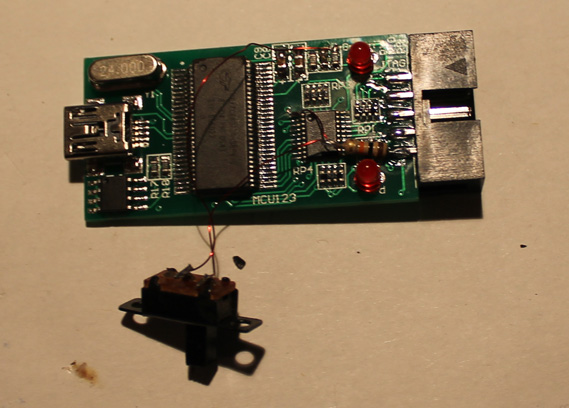
You can use the knive to cut an opening for the switch into the case and then use the super glue to glue it in. Done…
So now you can switch between input and output mode. Just be careful not to leave any outputs connected to the device when putting it into output mode.
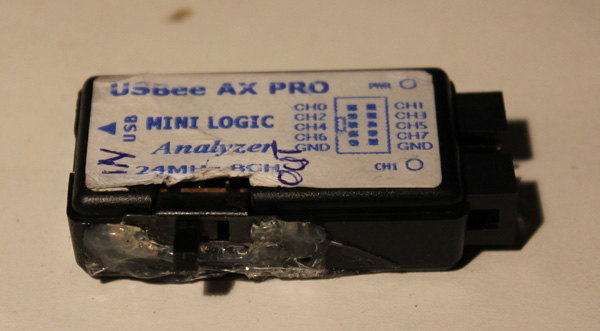
(I used hot glue instead of super glue so it looks kind of ugly, but I don’t care 😉
This is a 1Mhz signal at the output: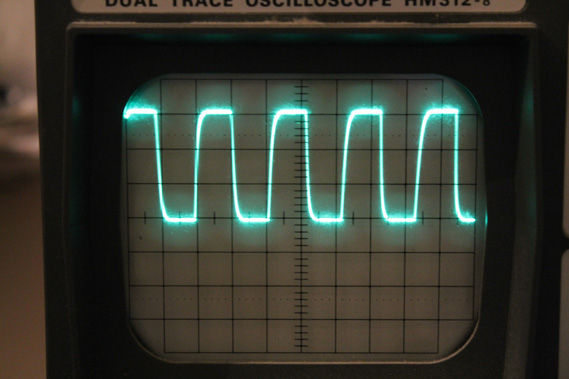
Have fun!!
There is a nice writeup about which software you can use on the ePanorama Blog
update: A lot of people (including myself) had problems with the USB cable that came with the LA. I couldn’t even charge my phone properly with it. So if you ever experience problems with high sample rates, glitches, etc, replace it.

So the story goes like this:
The previous owner in a desperate attempt to fix a partially broken keyboard managed to scrape of all the conductive material from the rubber strip.
Usually when I fix rubber pad based keyboards like this, it is usually enough to put some graphite spray on a Q-Tip and gently apply some of it to the pad. In this case none of the keys where working and even though the usual approach brought back some keys, it didn’t work very well. So I decided for a full renewal:
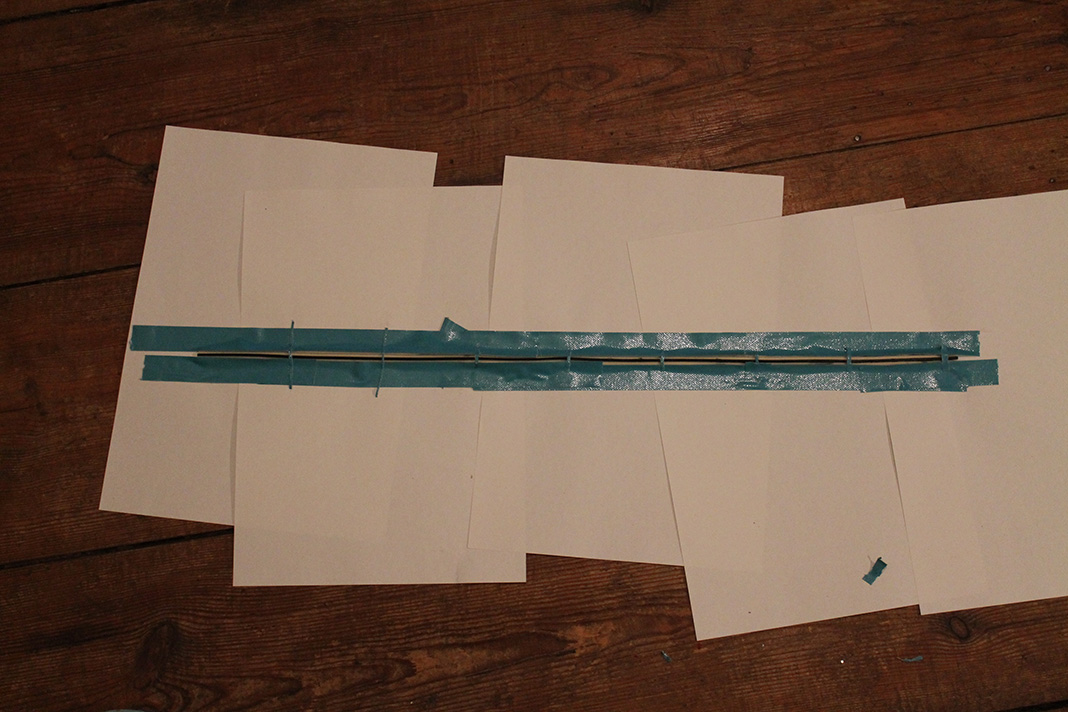

Cover all parts of the rubber contacts that shouldn’t be conductive…
…use some nice graphite spray….
…woooo….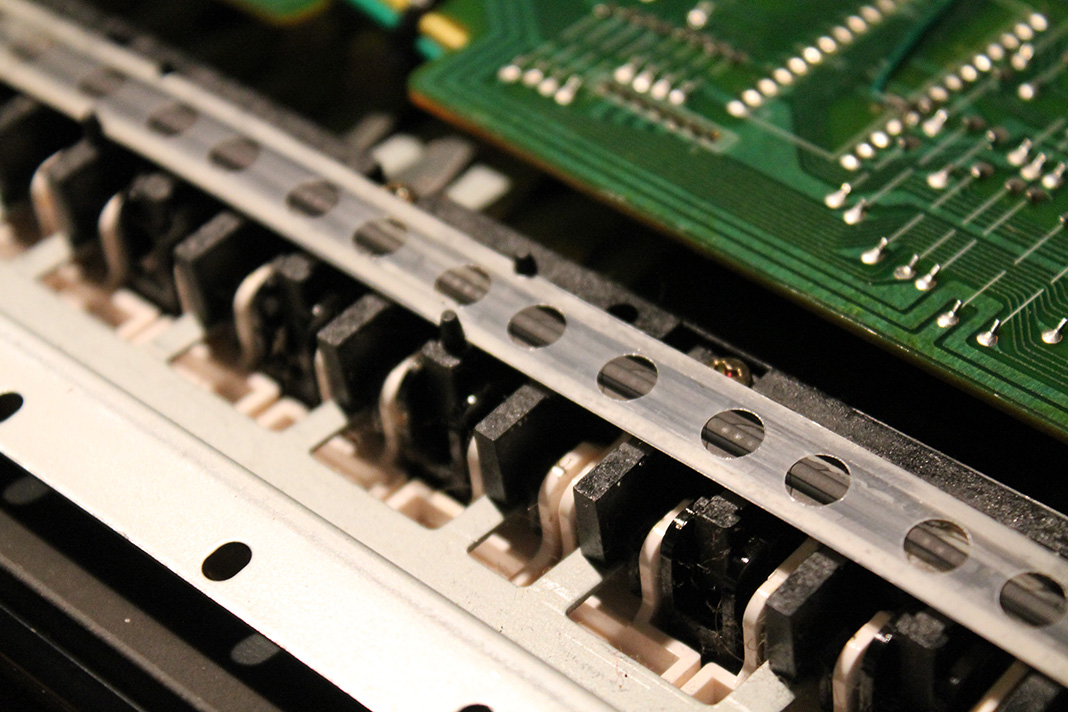
…and put it back in.
The Yamaha DX100 works again like a charm 🙂
This is me playing around with midi Elektor formant midi interface. It is still in developement, but it already sounds quite nice…..
This is just a little trick I have not seen anywhere before, so I thought I might as well share it with the world.
If you have a switch with three states, such as an on-off-on switch and you only want to use one microcontroller pin, this is how you can do it:
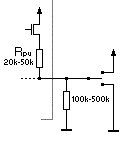
The image shows the basic setup. Resistor values are given for Atmel controllers, but this should also work for PICs and other µCs.
If the switch is connected to Vcc the input reads high, if it is connected to GND, it reads low. But if the switch is in its open setting, the reading is depending on the pullup resistor beeing switch on or not. This can be used to recognize all three states: high, low and open.
Here is a pseudo c example:
uint8_t getPin(uint8_t num)
{
    setPullup(num, OFF);
    if(readPin(num) == HIGH)
        return 0;                //input is connected to Vcc
    setPullup(num, ON);
    if(readPin(num) == HIGH)
        return 1;                //input is open
    return 2;                    //input is connected to GND
}
Update 2019:
Just found this old blog post, though I’d update it a bit:
if you are using a µC which has both, pullup and pulldown (STM32 for example), you can of neglect the external resistor.
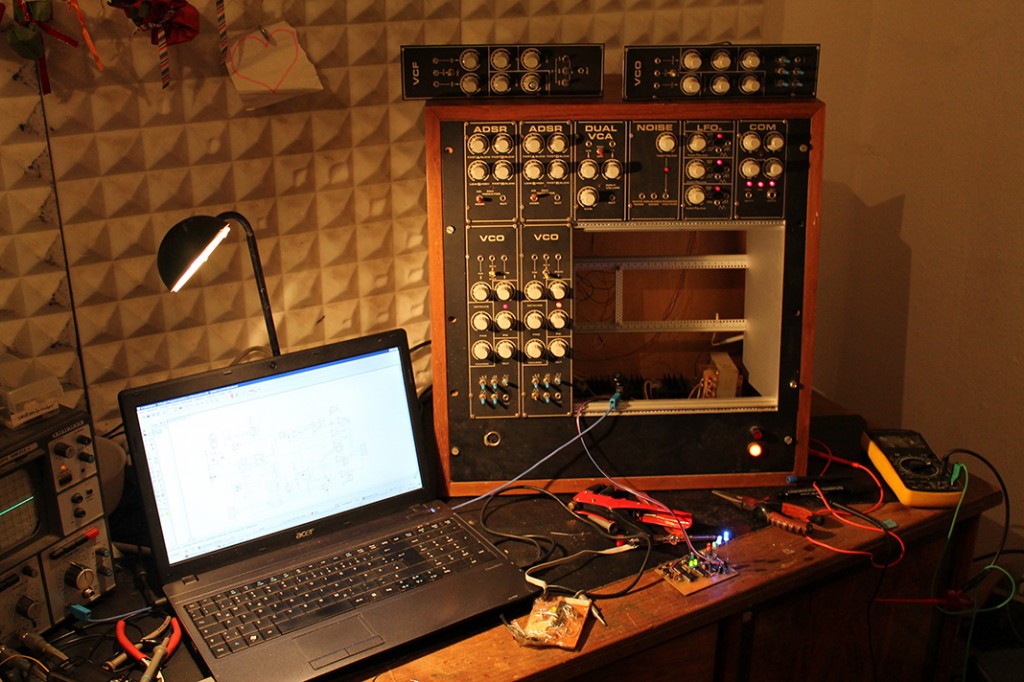
I am currently working on a midi interface for the Elektor Formant. Of course it is possible to use any midi to CV interface since it is a modular synthesizer, but I wanted to add some features only possible with a custom interface. With this interface it is even possible to have 3 voice polyphony !!!
This is the prototype PCB:
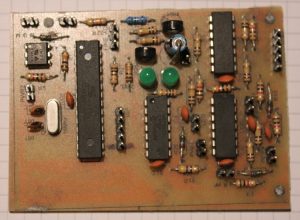
I am going to sell PCBs (much nicer ones than the one on the left of course) as kits if there is enough interest in the interface…so drop me a message
One of my early works from 2007…
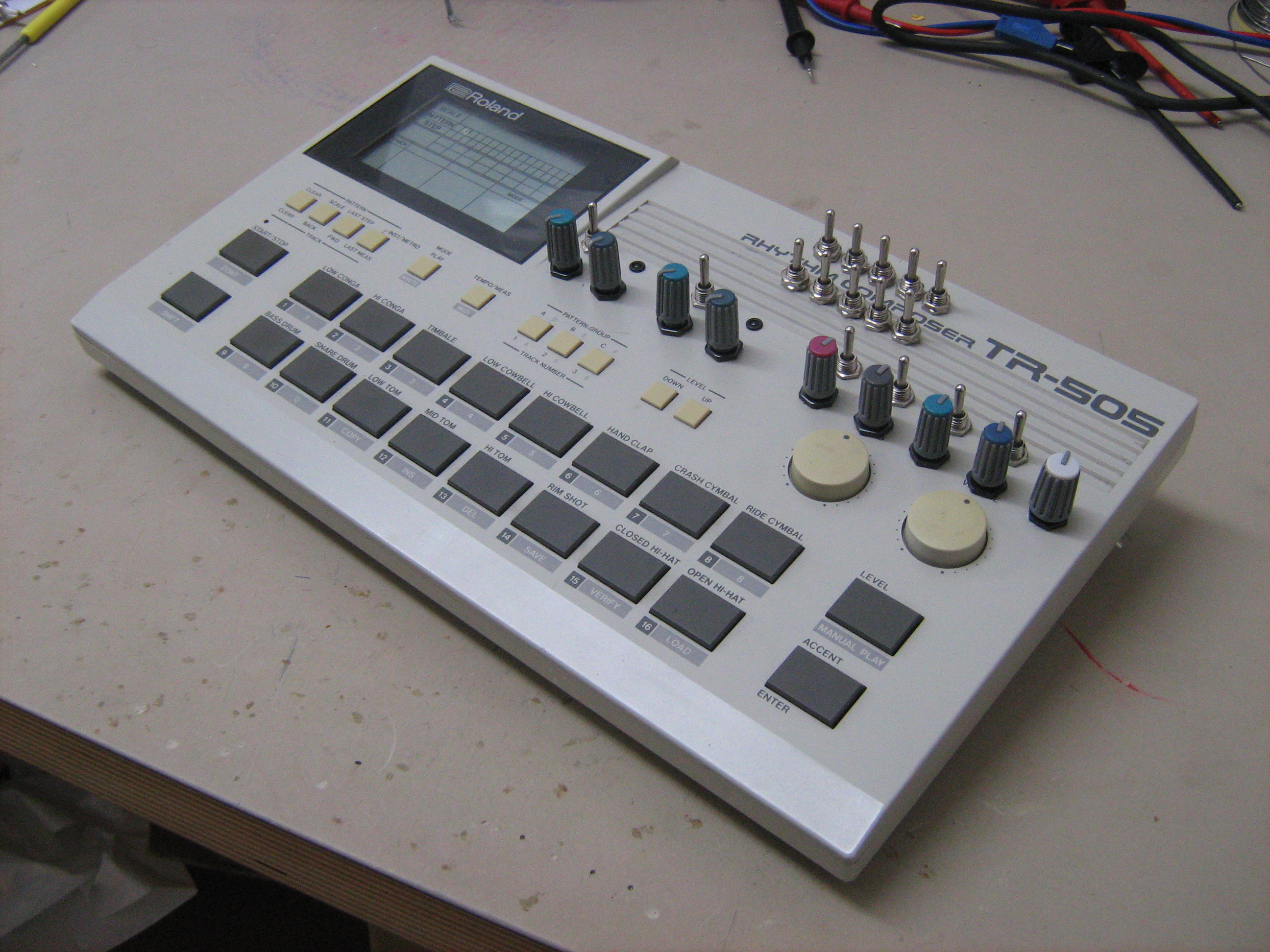
my trusty modified Roland TR-505!!
Apart from a couple of bends (the 10 switches on the top), you can tune all the differnt percussion instruments, plus a master pitch up.
So far nothing new, but there are also two LFOs with adjustable speed and amount which you can route to the instrument pitch.
Down on the side are some Leds which light up if an instrument is played. Each instrument has its own Led and the Bassdrum has 5 Blue Leds for its own.
Warning: Old and crappy video
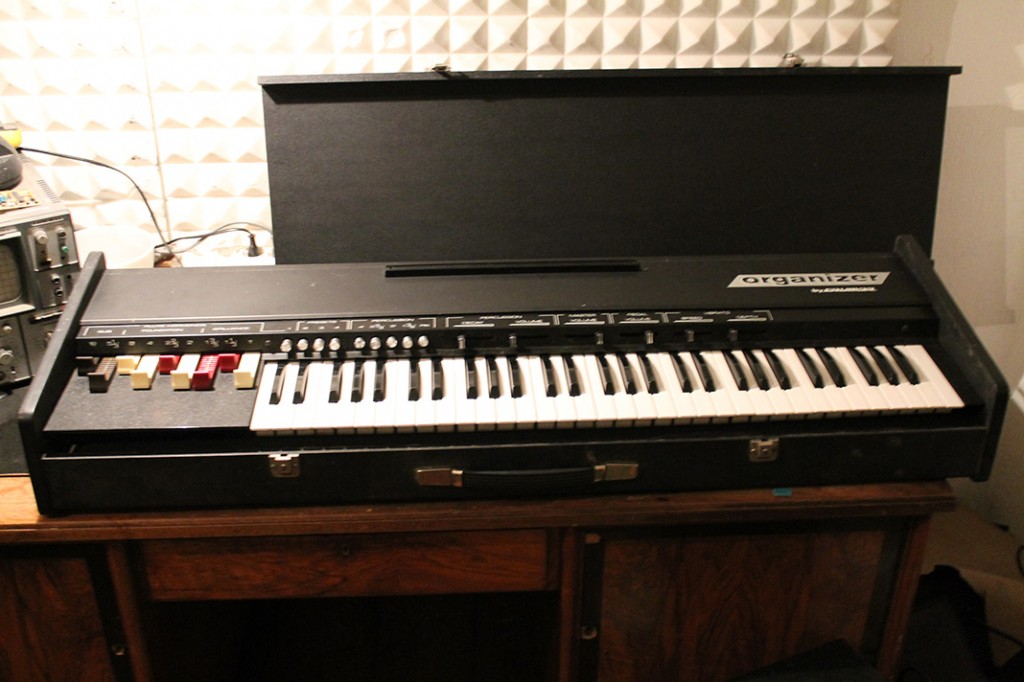
Just repaired a Crumar Organizer with the percussion section not working. The percussion section is not – as the name might suggest – a built in drum machine, but an add-on to the standard organ sound. It is basically a separate mix of the harmonics run through a master VCA which is triggered on key press.
I could trigger the effect manually but it didn’t work when pressing a key. I found no schematics, but after tinkering a bit I found that there were two reasons for the percussion effect not working:
1) The common trigger bus trace was corroded. I simply bridged the corroded parts and it worked again.
2) Every once in a while the percussion effect stopped working. My first thought was another bad contact, but it turned out to be a defective spring, which caused one of the keys of the keyboard not returning properly and thus “blocking” the trigger bus.

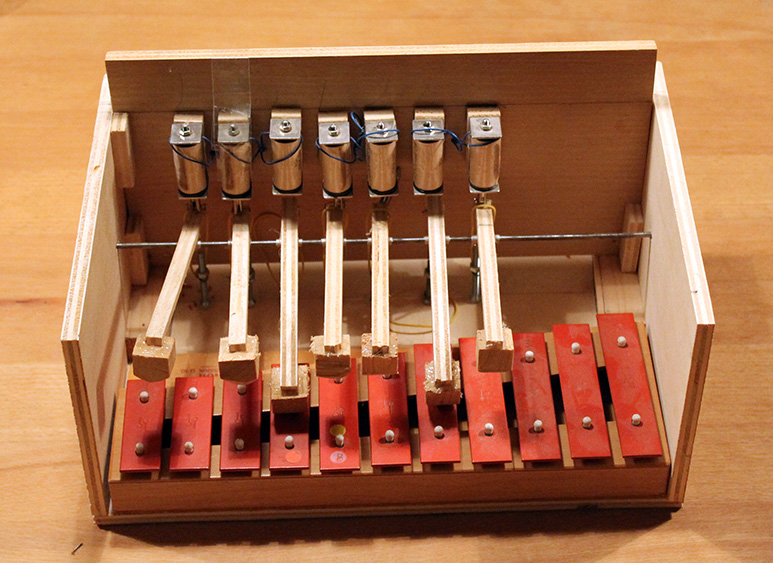
Just found this in the attic…
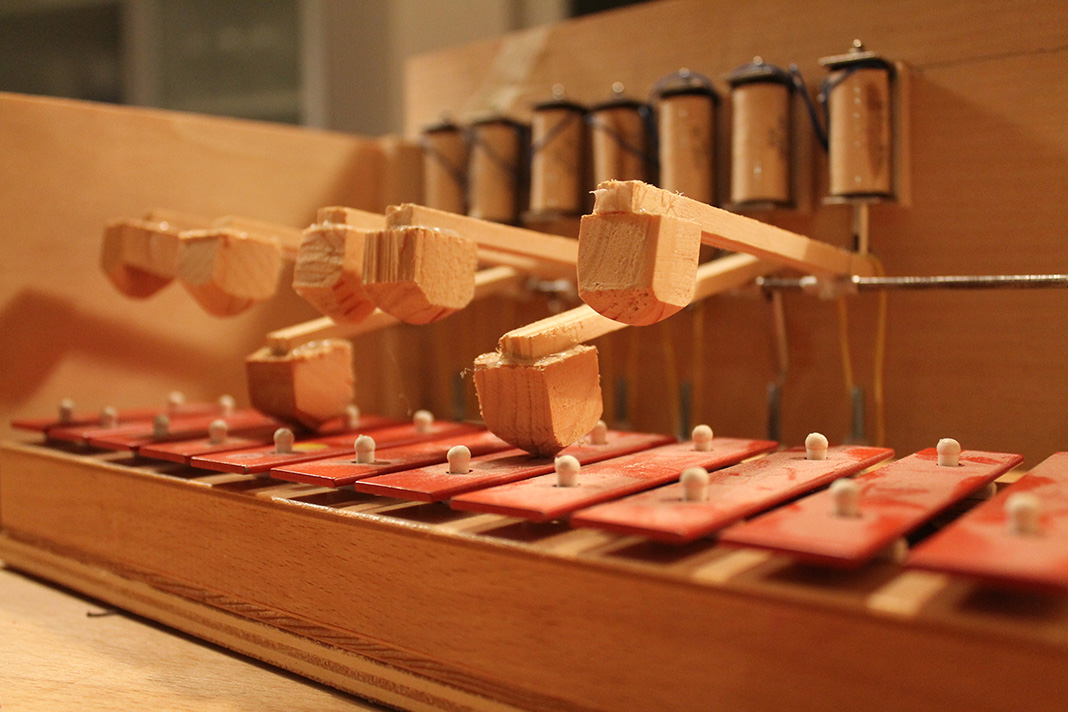
I built it when I was about 15, but never finished it. The next step would have been to install a midi interface…
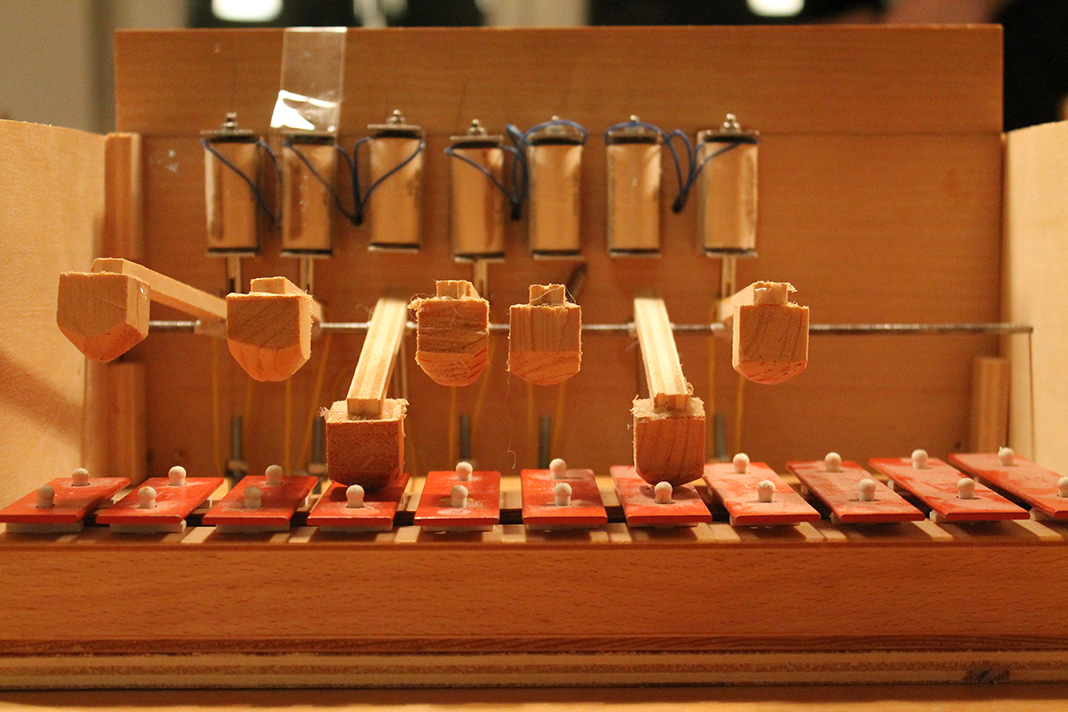
It is a solenoid controlled glockenspiel and still works pretty well.
It sound great and I guess I will build a nice little midi interface, you can actually control the sound by alternating the duration of a keypress (keys are on the back), or hold it to dampen the sound.
Some nice velocity sensitive interface, the current through the solenoids possibly controlled by pwm should give some nice results 🙂
A while ago I made a post about the importance of battery replacement in polysix synths.
I just found a great example of how not to do this in a Korg DW-8000:
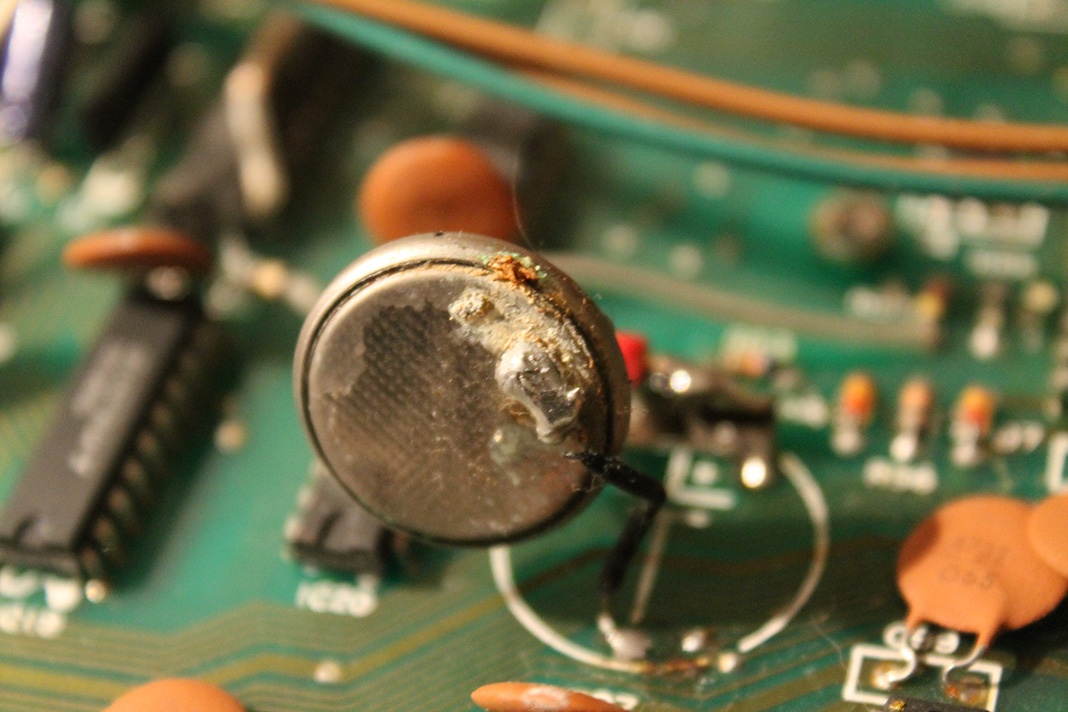
Horrible!!
Instead of a CR2032 with attached solder tail, somene soldered leads to the battery directly causing it to heat up way to much. This damaged the battery and caused some leaking eventually. The battery acid destroys sourounding traces, vias and even ICs – very bad…
Much better to do it like this:
