

Introduction
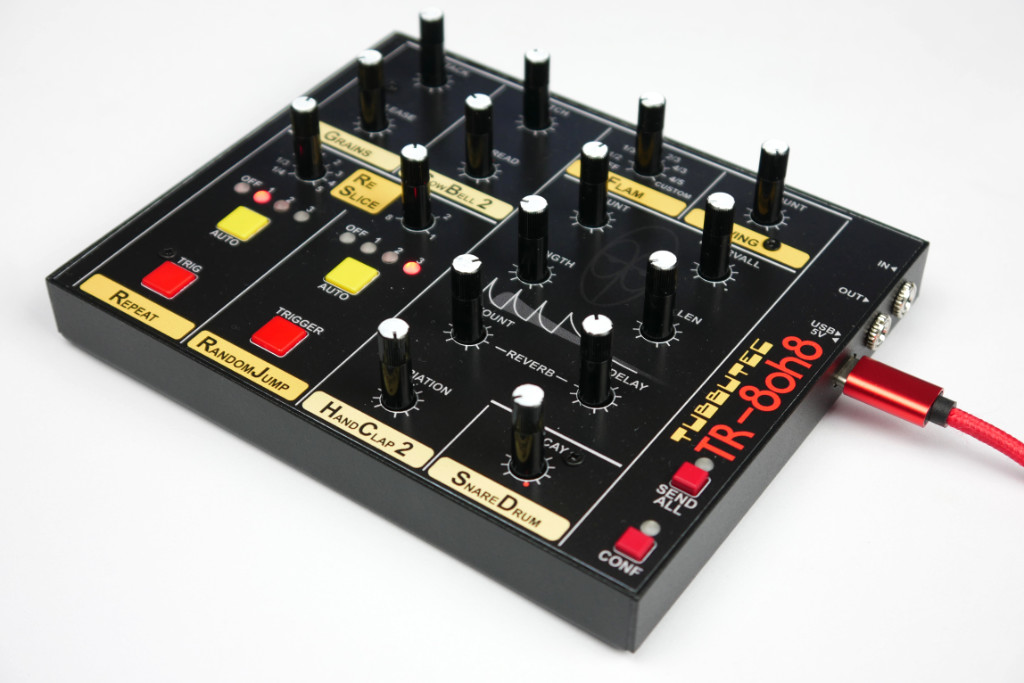
TR-8oh8 Controller allows the direct control of additional parameters introduced by the Tubbutec TR-8oh8 upgrade for the Roland TR-808 drum machine. Most of these parameters are also accessible via the TR-8oh8 TOOLS and CONFIG menus, with the controller providing more direct access for live tweaking.
Features
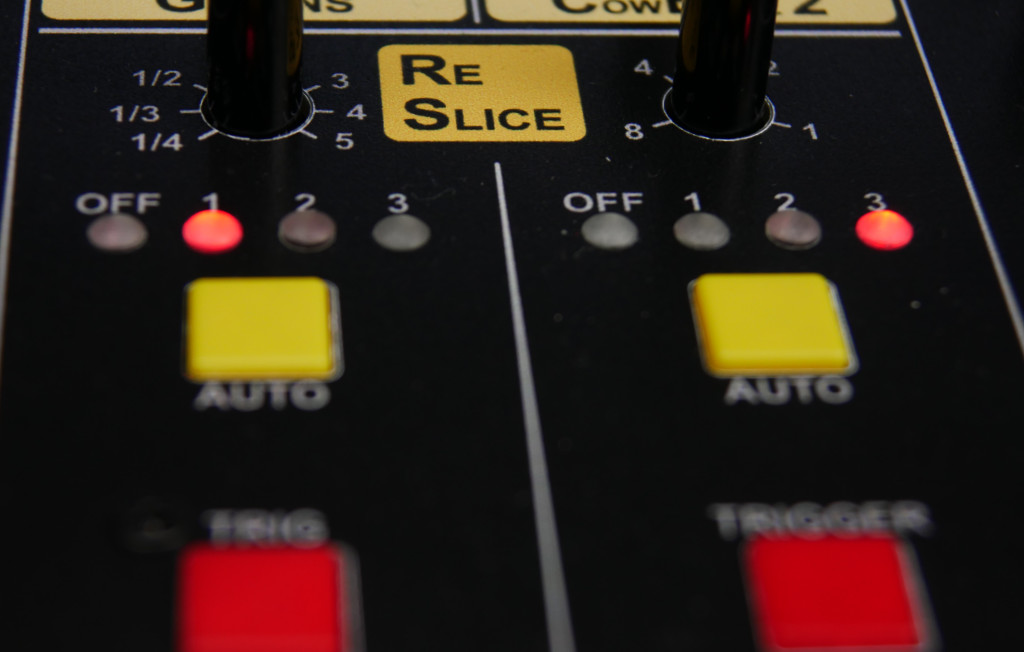
- Reslicer Control
- Select Repeat and Random Jump parameters with knobs and trigger effects with a button
- Set the level of automatic Repeat and Random Jump effects
- Hand Clap 2 sound parameters
- Number of short claps
- Interval of short claps
- Short clap length
- Tail length
- Reverb amount
- Reverb Predelay
- Variation
- Attack and decay of the Grains envelope
- Base pitch and spread of the oscillators of the Cowbell 2 instrument.
- Use the Flam knob to set one of 7 intervals, or turn Flam off
- Adjust the Swing amount
- Snare decay: decay time can be decreased
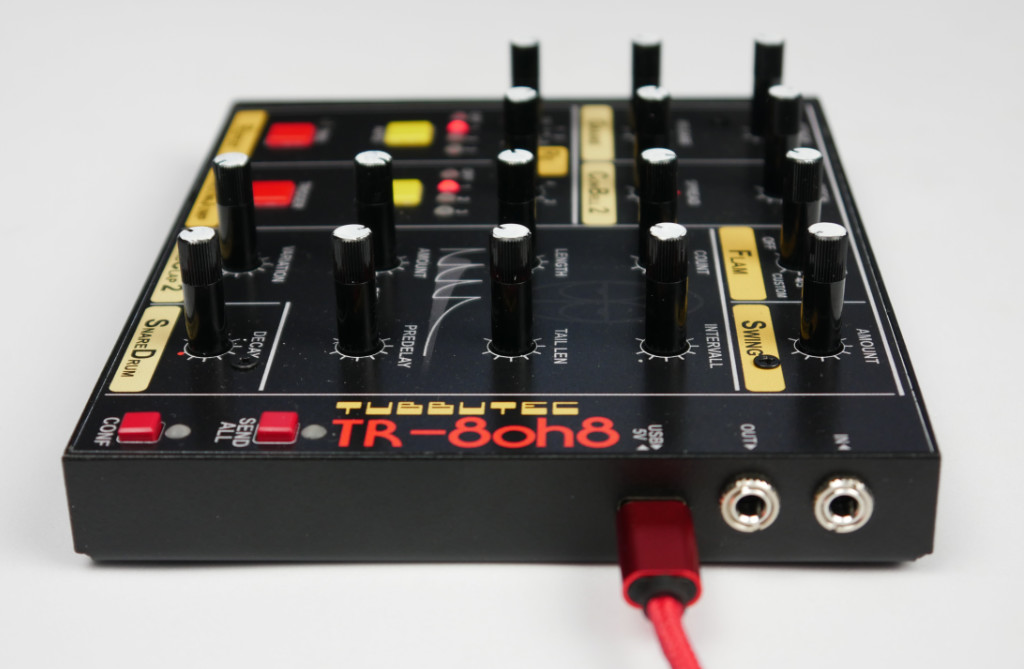
- MIDI input and output via TRS-A MIDI. Adapters to DIN are included
- USB MIDI connection
- MIDI router for USB, DIN, and controller data allows the connection in multiple ways
- Also works as a USB MIDI to TRS MIDI interface
- Can be powered from a USB host or standard USB-C power supply.
USB-C cable is not included. - Sheet metal case 14 x 11.5 x 1.8cm, FR4 front panel
- Hand painted pots to match the TR-808 look
[Video coming soon]
How to connect
Just connect the MIDI output of the controller to your TR-8oh8 modded TR-808. Adapters from TRS-A to DIN-MIDI are included with the controller.
Additionally, you can connect other MIDI devices to the controller via the MIDI input or via USB. MIDI messages coming into the controller are forwarded to the TR-8oh8.
Sending the current state
You might want to send the current position of the sliders and pots to your TR-8oh8 to synchronise them. In order to do so, press the ‘SEND ALL’ button for about 2 seconds.
Configuration
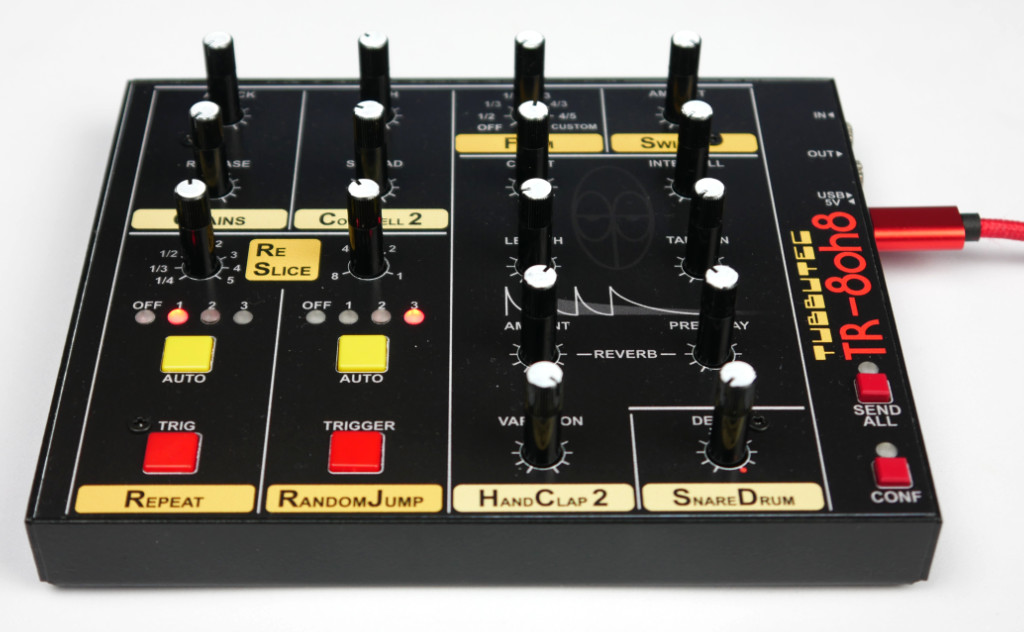
The built-in config menu lets you freely adjust LED colors and configure the way MIDI is routed through the controller.
To enter the config menu, press the CONF button. To exit, press it again.
Adjusting LED colors:
Use the pots above the Reslicer Repeat section to adjust RGB values for the repeat LEDs.
Use the pots above the Reslicer Random Jump section to adjust RGB values for the repeat LEDs.
Confirm LED colors by pressing the Random Jump AUTO button.